
Jul 6
Keep up the Good Work + No Reminder Time Confirmation
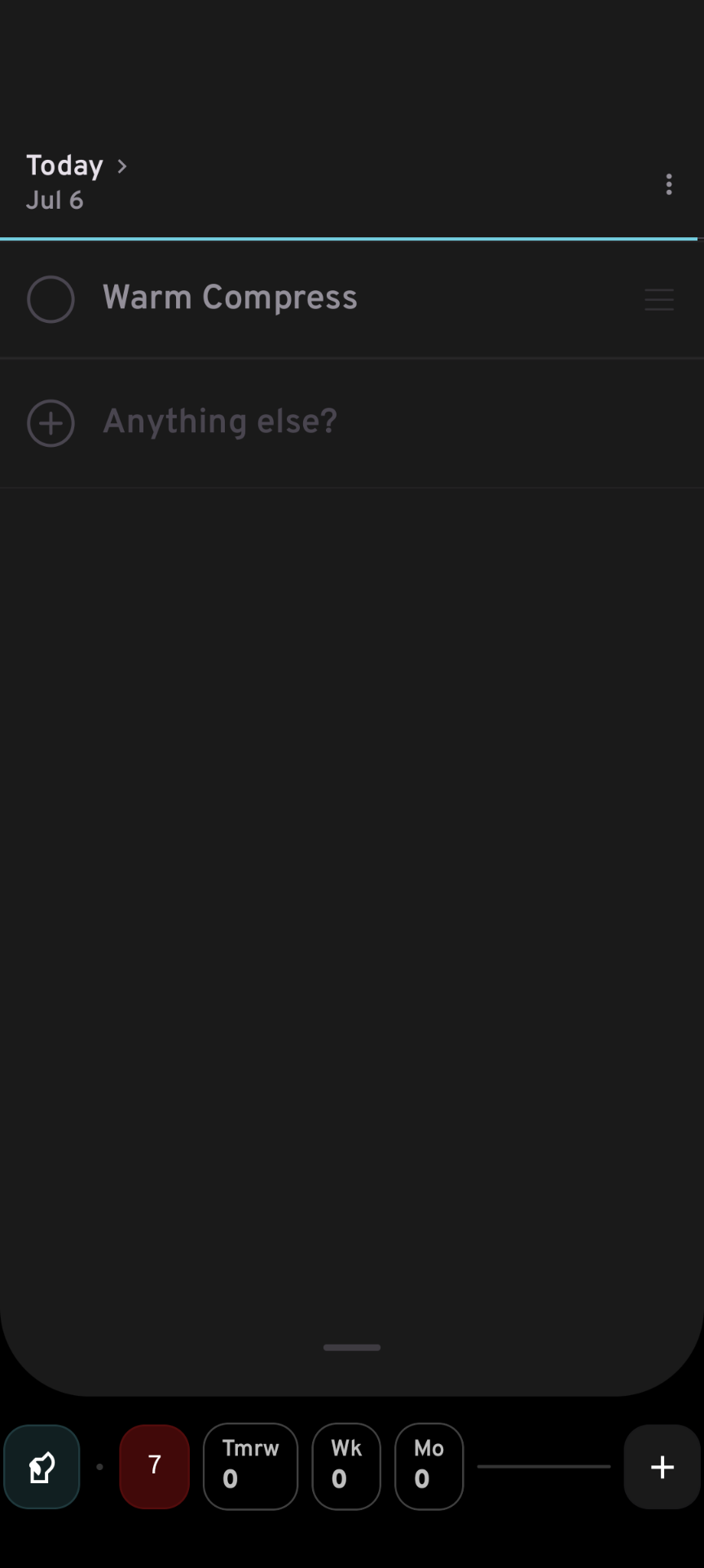
Great to see the progress in updates. If you see this screenshot - it's for something I've set to occur at 10am - how would I know from what I see? I feel very strongly that you need to indicate the time - for three reasons - 1) it acts as a confirmation that you've successfully set a time 2) It allows you to correct mistakes (you thought you set the time for 10am, but you see the time is 11am, so you need to go back & fix it) 3) It is a visual reminder - when glancing at you list of To Do'sThanks for taking the time to read this.Best,Mark
In Progress
I'm still on 1.0.2 - is there a newer version? I'm not seeing Lists in Settings - just Location| Widget. - If someone attempts to set an alarm in the past - I think you simply need to tell someone they can't do that with a pop-up message/block it - no? Is there a use case for setting an alarm in the past? - I may have been setting in the past accidently, but today I pulled yesterday's item, into today - put the Reminder alarm on & still don't see any indication of the time.